|
"The tools we use have a profound (and devious!) influence on our thinking habits, and, therefore, on our thinking abilities…" (© Edsger W.Dijkstra) |
Русский
|
|
|
| |||
|
|
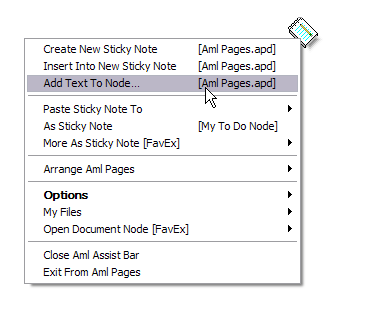
How to make to-do in Aml Pages as 1-2-3This is the simple method for using Aml Pages text as to-do list. All screenshots as clickable. Click to enlarge.
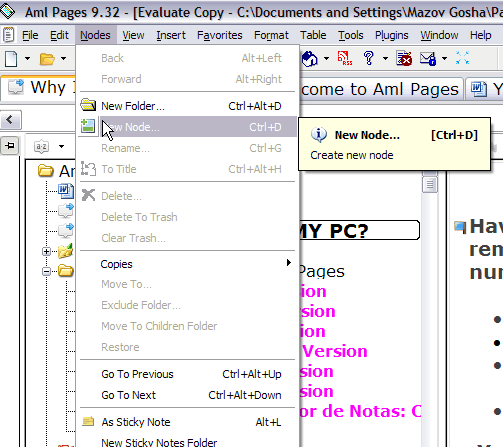
Step 1: Make new node in Your document by menu command "Nodes\New Node".
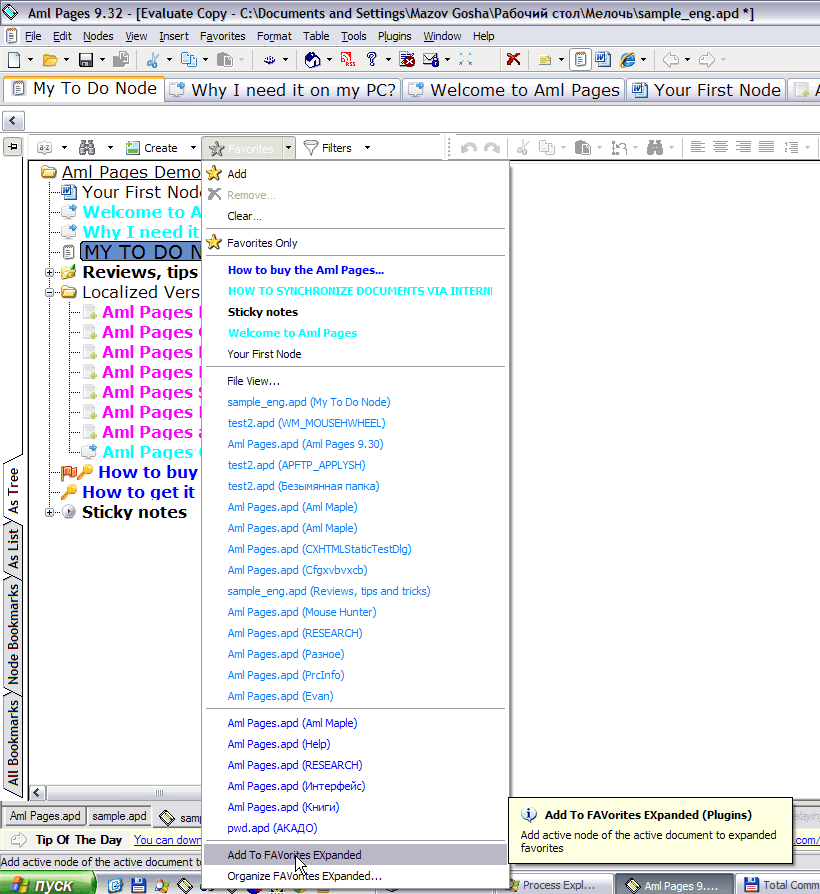
Step 2: Add this node to extended favorites for quick access.
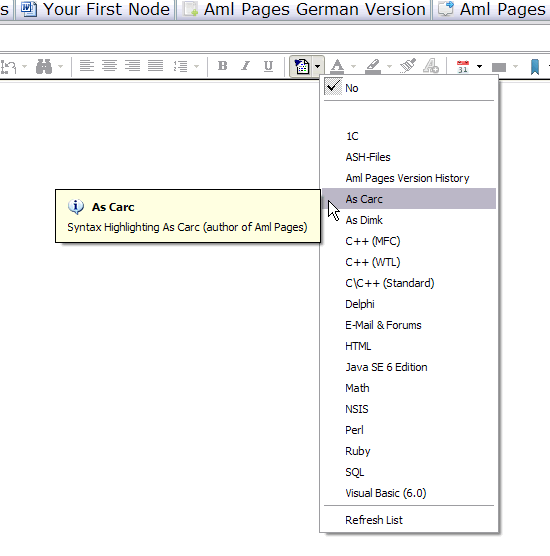
Step 3: Choose for this node syntax highlighting "As Carc".
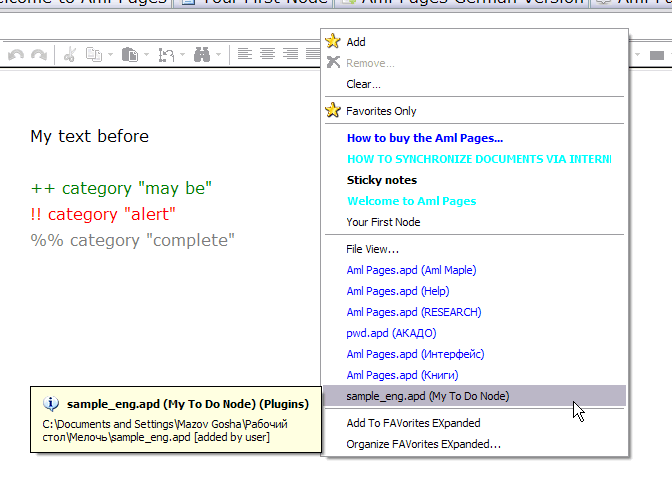
Step 4: Use symbols "++", "!!", "%%" for quickly changing of status
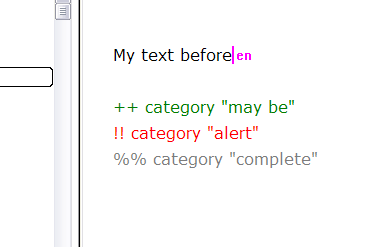
The syntax highlighting of text is customizable feature of Aml Pages. Rules of highlighting writed in the files *.ash in Aml Pages folder. You may to create own rules of syntax highlighting.
Completed! Enjoy!
Tips and tricks. Aml Assist | Frequently asked questions | Write about Aml Pages and get license as free
|
 News
News 






 VK
VK Блог
Блог